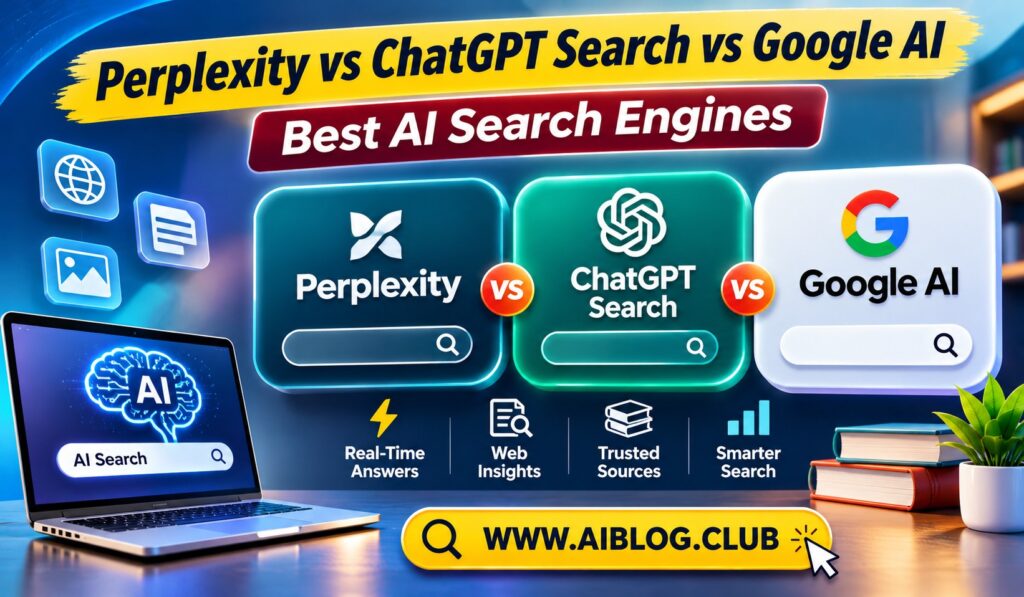
A search box that writes a paragraph instead of ten blue links feels like magic until the paragraph is wrong. Today, Perplexity, ChatGPT Search, and Google AI all promise quick answers with sources. This guide compares the best AI search engines so you can pick the right one for each job. If you want to see how the chatbots behind them differ, read our ChatGPT vs Claude vs Gemini comparison.
Features and limits change often, so confirm details on each official page. The goal here is to help you choose by habit and need, not by hype.
What Makes AI Search Different
Classic search gives you a list of pages and leaves the reading to you. AI search reads several pages first. Then it writes a short answer and shows where the facts came from. Linked sources are the key feature, because they let you check the claim.
However, speed comes with a risk. The summary may blend sources badly or miss context. A confident tone does not prove accuracy. Because of this, treat every answer as a first draft that needs a quick check.
Perplexity
Perplexity was built as an answer engine from the start. You type a question, and it replies with a short explanation and numbered source links. The layout makes checking easy, which many researchers like.
Source-first design is its biggest strength. You can also ask follow-up questions in the same thread. Free use is limited each day, and some deeper research modes need a paid plan. It suits students and writers who want quick background with visible references.
ChatGPT Search
ChatGPT Search adds live web results to the familiar chat window. You ask in plain language, and the assistant searches, reads, and answers with links. The big plus is conversation flow, because you can keep chatting, rewrite the answer, or ask for a table.
As a result, it works well for tasks that mix searching and writing. On the other hand, you should still open the cited pages, since the summary may skip details. It suits people who already use ChatGPT daily and want fresh facts without switching tabs.
Google AI
Google offers AI answers inside regular Search, often called AI Overviews, plus a more conversational mode for deeper questions. The main advantage is search scale, since Google already knows how to find pages on almost any topic.
Because it sits in the place people already search, there is nothing new to learn. Still, summaries at the top of a page can tempt you to stop reading. Scroll down and open the original pages when the topic matters. It suits quick everyday questions, local info, and shopping.
Side-by-Side Comparison
| Feature | Perplexity | ChatGPT Search | Google AI |
| Shows sources | Yes, prominent | Yes, links | Yes, links |
| Follow-up chat | Yes | Yes, strong | Yes |
| Best known for | Cited answers | Chat plus search | Everyday search |
| Free access | Limited daily | Limited daily | Free in Search |
| Main weakness | Daily limits | Needs checking | Brief summaries |
Availability differs by country and plan, so verify before you commit. Notice that every tool shows sources. The real difference is how easy each one makes the checking step.
Which Tool Fits Which Task
Match the tool to the job. A small habit change saves a lot of time.
- Academic background: Perplexity, because sources sit right beside each claim.
- Drafting after research: ChatGPT Search, since you can search and write in one thread.
- Quick facts and local results: Google AI, because it lives inside normal Search.
- Deep study with your own files: A tool such as NotebookLM, covered in our list of free AI tools.
Many people use two of these together. For example, you might start in Perplexity and finish in ChatGPT. That mix often beats relying on one tool alone.
How to Check AI Search Answers
Good habits matter more than the tool you choose. Follow these steps for any answer you plan to use.
- Open at least two cited sources and confirm the claim appears there.
- Check the date, since old pages can look current.
- Look for the original source, such as a study or official report.
- Search a key fact again using normal keywords.
- Be extra careful with health, money, and legal topics.
Fake or mismatched citations do happen. Our guide to an AI research workflow explains how to catch them. Take ten minutes to learn it, and you will trust your results far more.
Speed, Style, and Daily Feel
Each tool has a different personality. Perplexity feels like a research desk, with short answers and a tidy list of sources. ChatGPT Search feels like a conversation, which is great when you want to ask follow-up questions in plain language. Google AI feels like normal search with a helpful summary on top.
Speed also varies by topic and by the time of day. Simple questions come back quickly in all three. Complex questions may take longer, especially when a tool reads many pages. Try the same question in each tool and notice which style you prefer.
Privacy and Data Habits
Search questions can reveal a lot about you. Therefore, read the privacy settings in each tool before you rely on it. Look for options that control chat history and data sharing. These settings can differ between free and paid plans.
As a rule, avoid typing sensitive details into any search tool. Remove names, account numbers, and addresses from your question. You can usually get the same help with a more general version of the question.
Common Mistakes With AI Search
Most errors come from habits, not from the tools. Watch for these.
- Stopping at the summary: The short answer may skip important context.
- Ignoring dates: Old pages can appear in fresh answers.
- Trusting one source: Confirm key facts in a second place.
- Asking vague questions: Specific questions give clearer, safer answers.
- Skipping the original: Open the study or report behind the claim.
A Sample Research Session
Imagine you need background on a topic such as remote work and productivity. First, ask Perplexity for a short overview and open two of its cited pages. Then move to ChatGPT Search to turn your notes into an outline and ask it to flag weak claims. Finally, run a quick Google search to confirm any statistic you plan to use.
This three-step flow takes about fifteen minutes. As a result, you get speed from the AI and accuracy from your own checking. Over time, the routine becomes automatic.
Who Should Use Which Tool
Different readers have different needs. Students often do best with Perplexity for background and Google for quick confirmation. Writers may prefer ChatGPT Search because it blends research and drafting in one place. Busy professionals often stay with Google AI, since it needs no new habit.
Beginners can start with whichever tool they already open every day. Add a second tool only when you notice a gap, such as missing sources or slow follow-ups. A small, steady setup works better than constant switching.
What to Expect Next
AI search keeps changing fast. New features, new limits, and new pricing appear every few months. Because of this, avoid locking yourself into one tool for good. Review your setup now and then, and test any new option on a real question before you switch.
One thing will likely stay the same. Sources and checking will matter, no matter how smart the tools become. Keep the habit, and you will stay ahead of most mistakes.
Key Takeaways
- Best for cited answers: Perplexity.
- Best for search plus writing: ChatGPT Search.
- Best for everyday questions: Google AI.
- Best habit: Open at least two sources before you trust a claim.
- Best setup: Combine two tools for research and drafting.
Frequently Asked Questions
Which is the best AI search engine?
It depends on your task, because Perplexity, ChatGPT Search, and Google AI each lead in different areas.
Are AI search answers always accurate?
No, so always open the cited sources and confirm the facts.
Is Google AI free?
AI answers inside Google Search are generally free, though advanced features may require a paid plan.
Can I use more than one tool?
Yes, and combining two often gives better results than using one alone.
Do these tools show sources?
Yes, all three link to sources, but the quality of the match still needs checking.
Conclusion
The best AI search engines each solve a different problem. Perplexity favors cited answers, ChatGPT Search blends searching with writing, and Google AI covers everyday questions. Pick the one that fits your task, and always verify the sources before you trust the result.