You can now describe an app in plain English and watch working code appear on your screen. That is vibe coding in 2026, and it is changing who gets to build software. The speed feels exciting, yet it hides some real traps. If you are still deciding whether to study programming, see our guide to learning to code in the AI era.
This post explains what vibe coding is, lists its pros and cons, and covers the risks that people often ignore. So, you will know when it helps and when it hurts.
What Vibe Coding Means
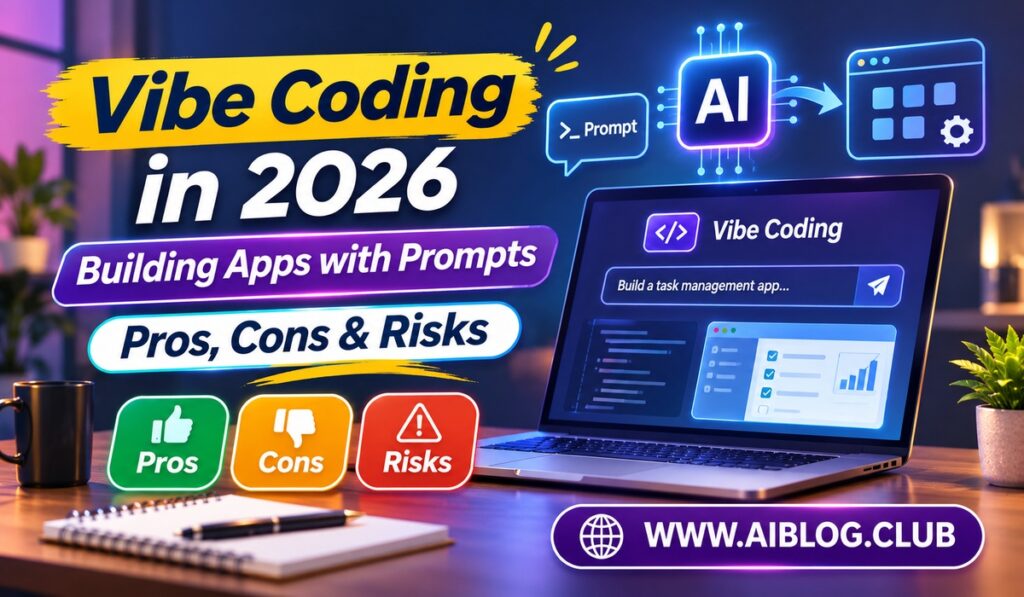
Vibe coding is a style of building software where you guide an AI with prompts instead of writing most of the code yourself. You describe the goal, run the result, and ask for changes. The focus is on the feel and function of the app, not on every line behind it.
The term spread because it captures a real shift. In the past, you needed years of practice to build even a small tool. Today, a person with a clear idea can get a first version in an afternoon. Of course, a first version is not the same as a finished product.
Some people use the word loosely. For some, it means trusting the AI fully and never reading the code. For others, it means using AI for speed while still reviewing the output. The second approach is much safer, and we will lean on it in this guide.
How Vibe Coding Works
The process is simple on the surface. You talk, the AI builds, and you test. Then you repeat until the app feels right. Each loop is short, so progress feels fast.
A Typical Vibe Coding Loop
- Describe the idea. Explain what the app should do and who will use it.
- Let the AI generate a draft. It writes files, screens, and logic.
- Run and test. Click around and see what works.
- Report problems in plain words. For example, “The save button does nothing.”
- Ask for changes. The AI edits the code to match your feedback.
- Repeat. Keep going until the app does what you need.
- Review before sharing. Check for errors, bad data handling, and security gaps.
Notice that step seven often gets skipped. That skipped step is where most trouble starts. A working demo can still hide serious flaws underneath.
The Pros of Vibe Coding
There are good reasons that so many people enjoy this approach. For the right kind of project, it saves real time. It also lowers the barrier for people who never thought they could build software.
- Speed. A simple prototype can take hours instead of weeks.
- Lower barrier. Non-programmers can test ideas without hiring a team.
- Fast learning. Seeing working code helps beginners understand how apps fit together.
- Easy experiments. You can try three ideas in a day and keep the best one.
- Less boring work. The AI handles setup and repeated patterns.
- Better communication. A working demo explains an idea better than a long document.
For founders and small business owners, these benefits matter a lot. A shop owner can build a simple booking page without learning a full language. Meanwhile, a developer can prototype faster and spend saved time on the hard parts.
The Cons of Vibe Coding
Despite the speed, there are clear downsides. Most of them show up later, after the excitement fades. Because of this delay, many people only notice them when something breaks.
First, code you do not understand is hard to fix. When a bug appears, you may not know where to look. Prompting the AI again can help, but it can also create new problems.
Second, quality can vary. The AI may produce messy code that works today and fails when you add features. Over time, this messy base becomes slow and costly to change.
Third, you may build habits that limit your growth. If you never read the code, you never learn what it does. As a result, you stay dependent on the tool for every small change.
Finally, large apps strain this method. Small projects work well, but complex systems need planning, structure, and careful testing. The AI cannot always hold the whole design in its head.
The Real Risks
Risks go beyond annoyance. Some can harm your users or your business. Therefore, anyone who plans to share a vibe coded app with real people should read this section twice.
- Security holes. The AI may skip checks on user input or store passwords poorly.
- Exposed secrets. Private keys and passwords can end up inside public code.
- Privacy problems. An app may collect or share data in ways you did not intend.
- Hidden bugs. Wrong math, broken edge cases, or lost data may stay unnoticed.
- Wrong facts. If the app uses AI answers, those answers can be false, as covered in why AI hallucinates.
- Legal and license issues. Generated code may not match the rules your project must follow.
In addition, there is the problem of false confidence. A smooth demo makes people feel safe. But a demo only proves that one path works. Real users will take many paths you never tried.
Pros and Cons at a Glance
A quick table can help you weigh the trade-offs. Use it when you decide whether a project suits this style.
| Factor | Pro | Con |
| Speed | Prototypes in hours | Fast code can be careless |
| Skill needed | Low to start | Hard to fix without knowledge |
| Cost | Cheaper first version | Possible costly cleanup later |
| Learning | Shows how apps work | Easy to skip understanding |
| Scale | Great for small tools | Struggles with large systems |
How to Vibe Code More Safely
You can enjoy the speed and still reduce harm. A few habits make a big difference. None of them take long once you build the routine.
- Start small. Begin with a simple tool, not a full business system.
- Read what you can. Ask the AI to explain each file in plain language.
- Add tests. Our guide on automated unit testing with AI shows how to catch errors early.
- Use version control. Save each stage so you can roll back a bad change.
- Protect secrets. Keep passwords and keys out of the code itself.
- Test with real scenarios. Try odd inputs, empty forms, and wrong passwords.
- Get a review. Ask a developer to check anything that handles money or private data.
Even so, treat the AI as a fast assistant, not a final authority. You remain the owner of what ships.
Who Should Use It
Vibe coding suits some people better than others. Beginners can use it to learn by watching and asking questions. Founders can use it to test ideas before spending money. Experienced developers can use it to move faster on routine work.
However, it is a poor fit for high-stakes systems with no review. Medical tools, payment systems, and apps that store sensitive data need expert care. If you want a practical project to try first, see how to build and deploy a full website with AI in under 24 hours.
Key Takeaways
- What it is: Building apps by guiding an AI with prompts instead of writing most code by hand.
- Biggest pro: Fast prototypes that help non-programmers test ideas.
- Biggest con: Code you do not understand is hard to fix and extend.
- Top risk: Security and privacy gaps hidden behind a smooth demo.
- Best habit: Start small, add tests, and review before sharing.
Frequently Asked Questions
What is vibe coding in simple words?
It means building an app by describing what you want to an AI and refining the result through prompts.
Can a beginner build a real app with vibe coding?
Yes, a beginner can build simple tools, but real users need testing and a safety review first.
Is vibe coding safe for business apps?
It can be safe for small tools when you test carefully, but sensitive systems need expert review.
Will vibe coding replace developers?
It speeds up routine work, yet skilled developers still design systems, review code, and fix hard problems.
What is the biggest risk of vibe coding?
The biggest risk is shipping code with hidden security or data problems that you never checked.
Conclusion
Vibe coding in 2026 gives more people the power to build, and that is a real gain. The speed, low barrier, and easy experiments are hard to ignore. Still, the cons and risks are just as real, especially around security, quality, and understanding. Use it for small projects, test everything, and ask for a human review when stakes are high. Done that way, vibe coding becomes a useful tool instead of a hidden danger.